Qwen Image 2.1
Explore 2.1 examples and workflows while trying our available models in the shared studio.
- Native transparent images
- Generation and editing
- Official code and weights
Create realistic images with Qwen Image 3.0 using text prompts or existing images. Get clearer text, rich detail, flexible sizes, and easy AI image editing online.
Sign in to claim free credits.
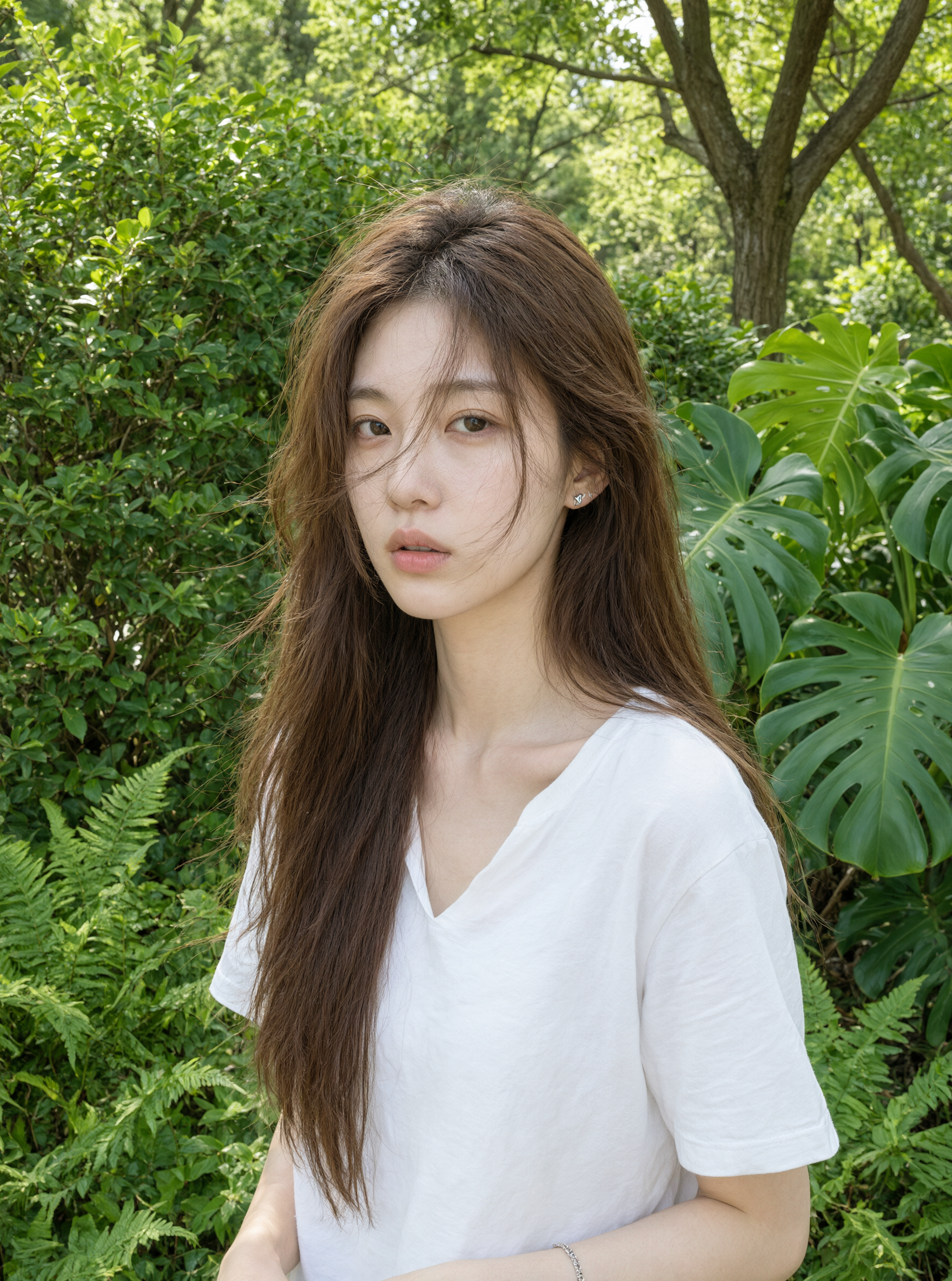
Follow the Qwen Image model family from fast everyday generation to richer, more structured creative workflows. Choose the model that fits the image, detail level, and output needs of your project.
Explore 2.1 examples and workflows while trying our available models in the shared studio.
A balanced Qwen Image model for fast, straightforward generation and editing.
A higher-detail option for 2.0 workflows that need stronger output fidelity.
The latest standard model for long prompts, structured layouts, and knowledge-rich visuals.
A premium 3.0 option for higher-fidelity delivery and demanding creative briefs.
Qwen Image 3.0 brings longer prompt support, clearer small text, richer visual detail, and multilingual rendering into one AI image generator. It is built for creative work that combines imagery, information, and structured layouts—from realistic product scenes to posters, interfaces, and storyboards. These capabilities also extend to image editing, so an existing visual can become the starting point for a more precise creative workflow.
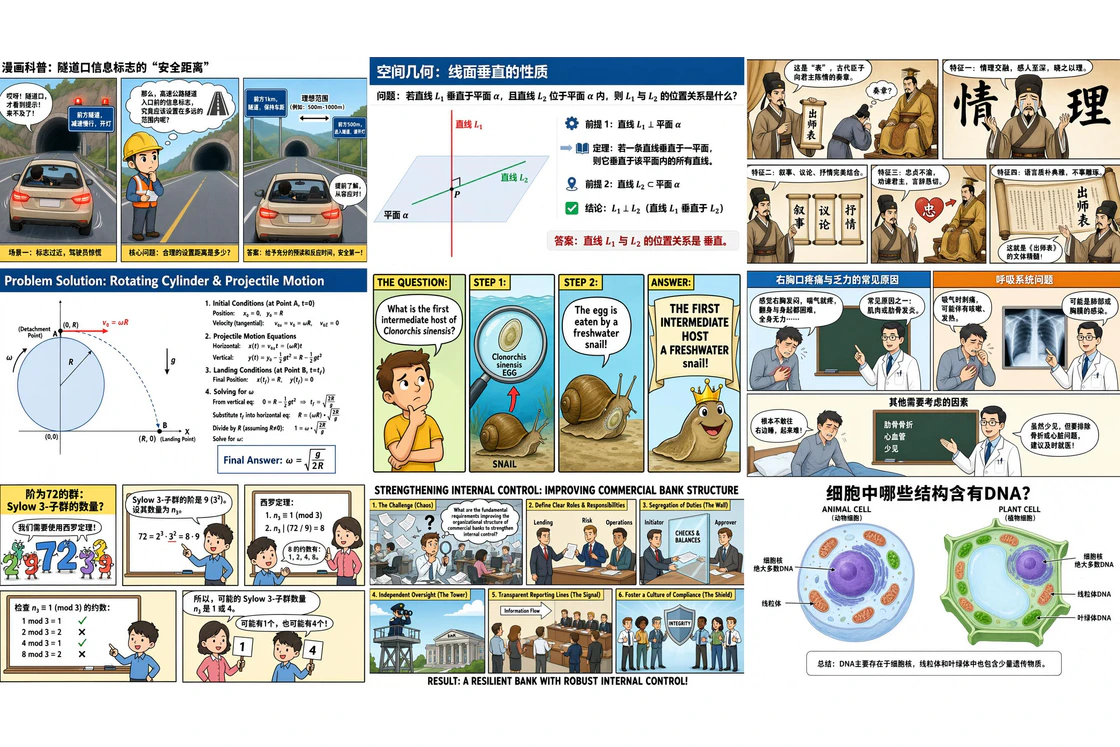
Qwen Image 3.0 can work with instructions of up to 4.5K tokens, giving a creative brief room for subjects, locations, materials, lighting, perspective, typography, and style. That broader context supports prompt-based image generation for dense scenes without forcing every idea into a few keywords. Clear priorities still matter: describe the must-have elements first, then add supporting details.
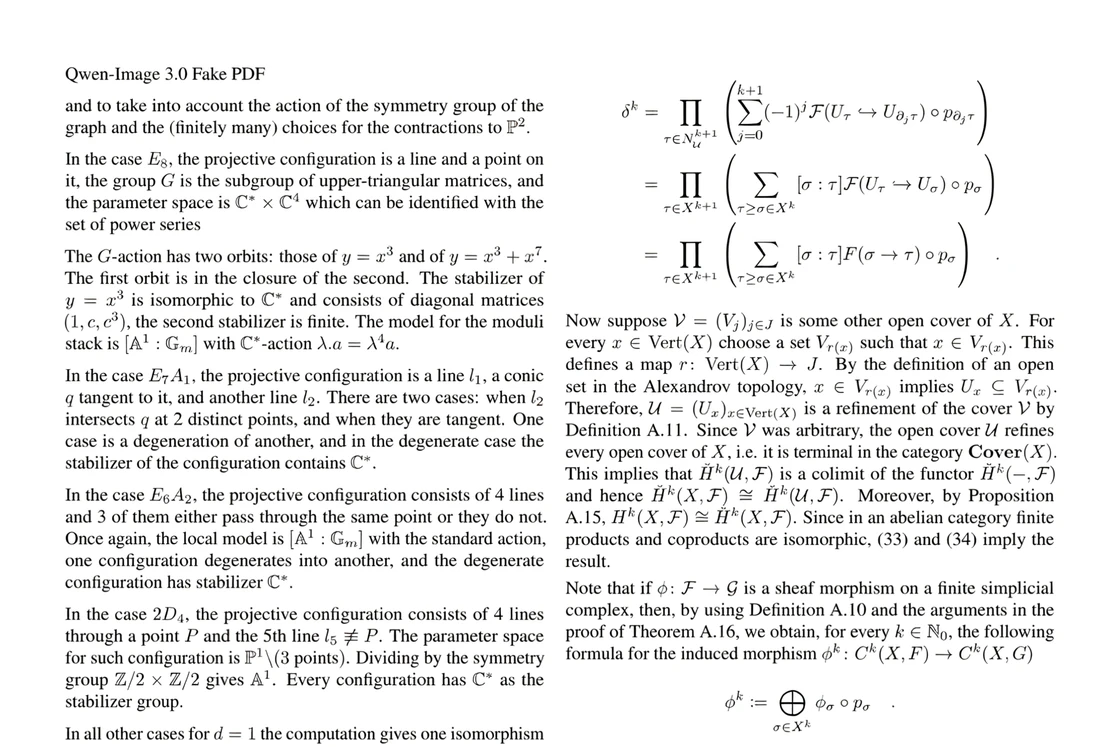
Posters, menus, diagrams, packaging, and interface concepts depend on hierarchy as much as imagery. Qwen Image 3.0 is designed for small-text rendering down to around 10px and for information-rich compositions with clearer visual structure. It makes text-heavy concepts more practical to prototype, although spelling, facts, and final layout should always be reviewed before publishing.
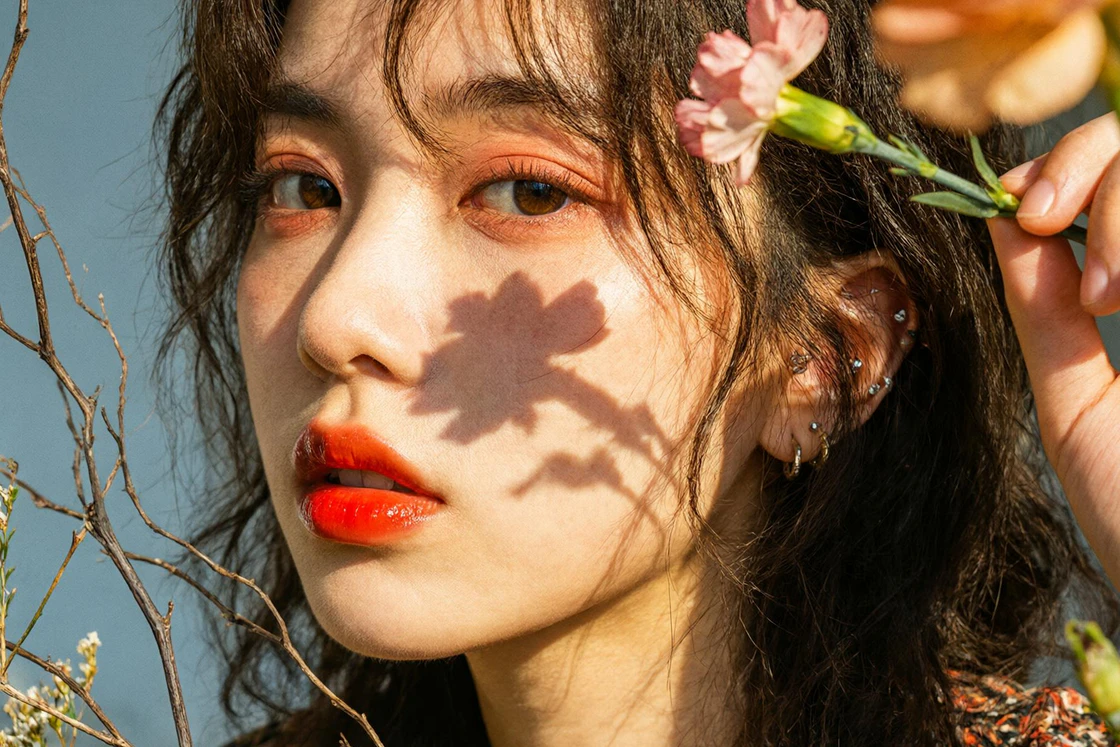
Authentic details make AI-generated images feel usable rather than generic. Qwen Image 3.0 focuses on fine visual features such as hair, skin, fabric, glass, food texture, reflections, and surface materials. Its richer content and deep visual knowledge help products, people, and environments retain more believable lighting and texture across the frame, especially when the prompt gives precise material and camera direction.
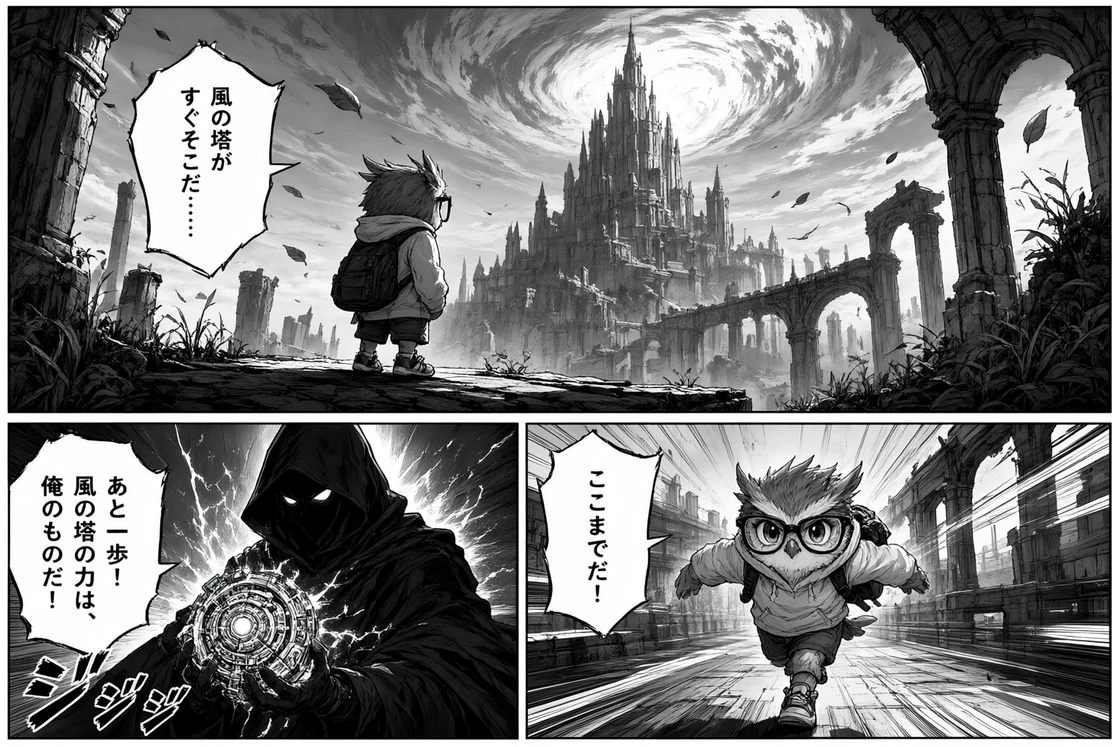
Native text rendering across 12 languages expands the creative workflow for localized campaigns, international posters, interfaces, and educational graphics. Qwen Image 3.0 can combine written content with imagery and structured layouts in the same request. Treat generated language as a design draft: verify spelling, translation, cultural meaning, and brand terminology before using it in customer-facing work.
Qwen Image 3.0 extends the Qwen Image series with support for longer instructions, more information-dense compositions, multilingual text, and more detailed visual direction. Compare the available Qwen Image models below to understand which option better fits your workflow.
| Capability | Qwen Image 2.0 | Qwen Image 2.0 Pro | Qwen Image 3.0 Latest | Qwen Image 3.0 Pro |
|---|---|---|---|---|
| Best for | Fast everyday image creation | Higher-quality 2.0 workflows | Complex, content-rich visuals | Higher-fidelity production work |
| Prompt / instruction support | Up to 1K tokens | Provider documentation varies | Up to 4.5K tokens | Up to 4.5K tokens |
| Text and layout | Strong typography and layout | Enhanced text rendering | Small-text rendering and dense layouts | Dense layouts with finer detail |
| Visual detail | Strong prompt adherence | Strong prompt adherence with higher fidelity | Knowledge-rich, complex compositions | Deeper detail for demanding scenes |
| Image generation | Available | Available | Available | Available |
| Image editing | Available | Available | Available | Available |
| Output options | 1K and 2K controls | 1K and 2K controls; additional options may vary | 1K and 2K controls | 1K and 2K controls |
Choose Qwen Image 3.0 when your image needs detailed instructions, text, structured layouts, multiple visual elements, or more complex creative direction.
Choose Qwen Image 3.0 Pro when the same type of work needs greater emphasis on fine detail and higher-fidelity output.
Qwen Image 2.0 remains useful for simpler, faster image creation, while Qwen Image 2.0 Pro is better suited to workflows that require the capabilities of the 2.0 generation with additional output quality.
Model capabilities, limits, and availability may vary by platform, region, model snapshot, and API version. Check the current provider documentation before relying on a specific capability in production.
Move from a written idea to a generated image in three focused steps. For a more detailed walkthrough, visit the How It Works guide.
Write a clear prompt for the image you want. Name the subject, setting, composition, colors, lighting, style, and any text that must appear. For a complex scene, put the essential requirements first and use supporting details to clarify materials, camera direction, mood, or layout.
Select Text to Image for a new visual or Image Edit when you want to refine an existing one. Then choose the Qwen Image model, aspect ratio, image size, output count, and any optional controls available for that model. Review the credit cost shown before generating.
Generate the image and inspect the details that matter: text, facts, faces, hands, objects, composition, and overall style. If the result misses an important requirement, revise the prompt with a specific correction and try again. Download the version that best fits your creative direction.
Qwen Image 3.0 helps creators, brands, and teams turn detailed prompts into polished visual content for marketing, social media, posters, information graphics, product imagery, food photography, illustrations, and creative storytelling. Explore practical ways to use the AI image generator across everyday design and content workflows.
Qwen Image 3.0 可用于营销视觉、社交媒体、海报、信息图、产品摄影和创意内容等多种图像生成场景。
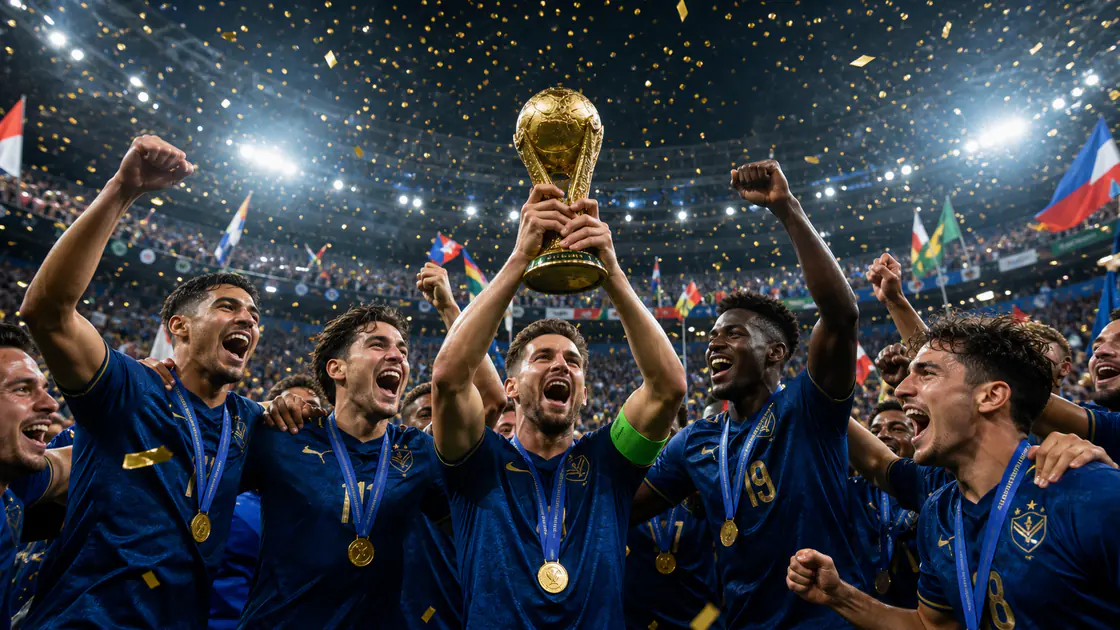
创建营销和社交媒体视觉素材
Qwen Image 3.0 helps creators and marketing teams generate social media graphics, campaign visuals, branded content, and promotional imagery from detailed text prompts. Use it to explore creative directions faster while keeping subjects, composition, style, and visual details aligned with the original idea.
Create a vibrant international football celebration poster with cheering supporters, layered flags, stadium light, bold editorial composition, and clear space for a short campaign headline.
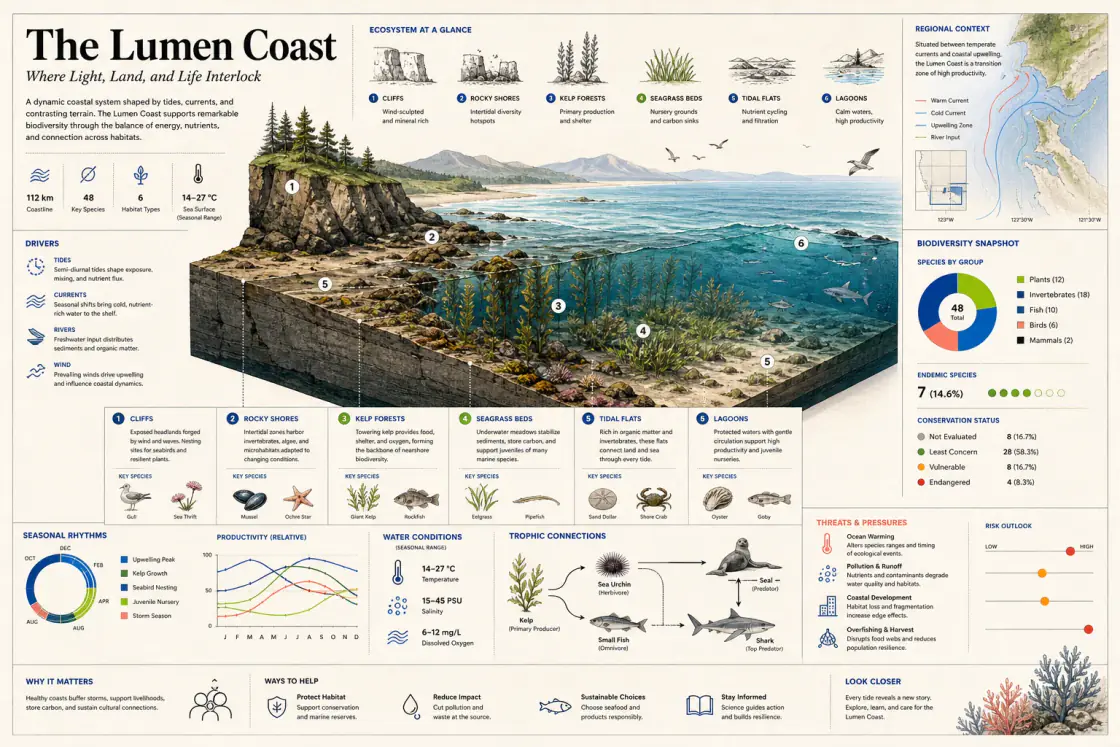
设计海报和信息图表
Qwen Image 3.0 combines image generation with improved text rendering and structured layouts, making it useful for posters, diagrams, information graphics, menus, presentation visuals, and other text-heavy designs. It helps balance readable information with supporting imagery in a single visual composition.
Create an editorial coastal ecosystem explainer with a cutaway landscape, six habitat zones, a current map, a biodiversity chart, labeled information panels, and a clear visual hierarchy.
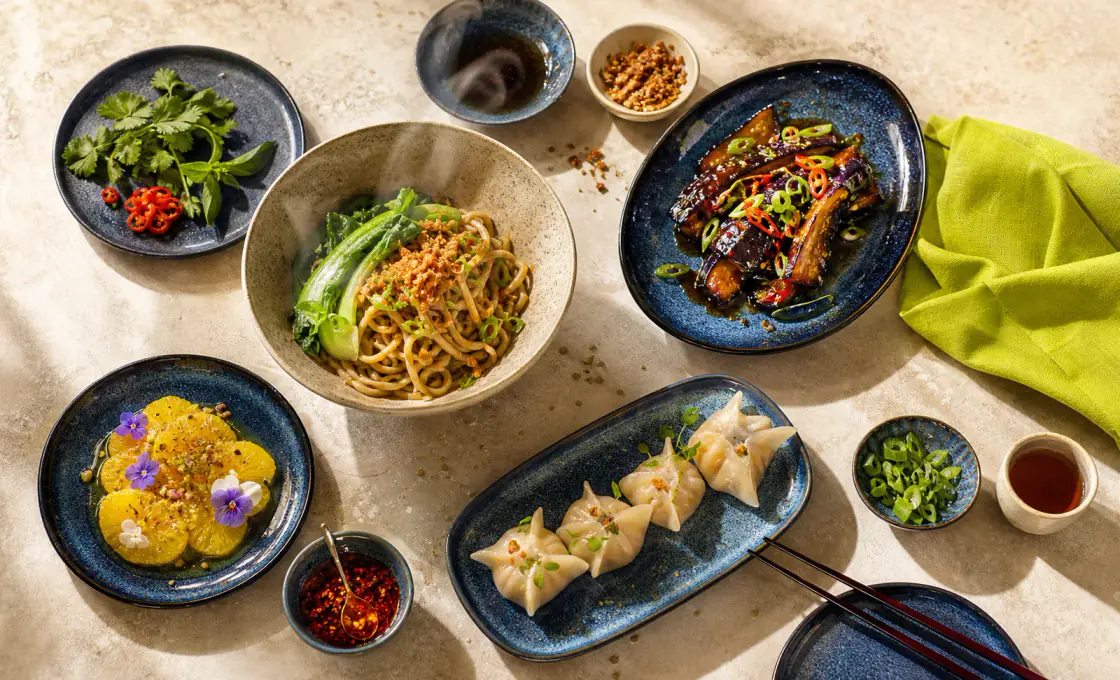
生成产品和食品照片
Qwen Image 3.0 can create product concepts, food photography, lifestyle scenes, editorial imagery, illustrations, and visual storytelling concepts with richer textures and natural details. It is useful for brands and creators who want to explore realistic or stylized visual directions without building every scene from scratch.
Create an overhead photograph of a contemporary Asian tasting menu with handmade noodles, glazed eggplant, dumplings, fresh vegetables, citrus dessert, soft natural daylight, and realistic food texture.
Choose a one-time credit pack for the Qwen Image Generator. Starter, Creator, and Pro include the supported models and current generation controls. Prices, credits, image estimates, features, and checkout availability come from the existing pricing system.
For occasional image generation and smaller creative projects.
Loading secure checkout…
More credits for regular image generation and ongoing creative work.
Loading secure checkout…
Maximum credit capacity for frequent and high-volume image generation.
Loading secure checkout…
For full credit pack details, visit the Pricing page.
Find concise answers about the model, online generation, image editing, commercial use, privacy, credits, refunds, and this independent website.
Qwen Image 3.0 is the third-generation foundation image model in the Qwen Image series. It supports rich visual content, detailed instructions, multilingual text, structured layouts, image generation, and image editing workflows.
Yes. Select Qwen Image 3.0 in the generator, enter a prompt or upload an image for editing, choose the available settings, and generate online without installing the model locally.
Yes. You can provide an existing image and describe changes to objects, colors, text, composition, style, or other visual details. Review the result before final use.
Qwen Image 3.0 is designed for longer instructions, denser compositions, smaller text, multilingual rendering, and knowledge-rich visual tasks. Qwen Image 2.0 remains useful for faster, more straightforward generation and editing.
Commercial use depends on the applicable provider terms, your source material, and local law. Review those terms and confirm that you have the necessary rights before using an image commercially.
AI-image ownership rules vary by country and creative contribution. Keep records of prompts, edits, and source assets, and seek qualified advice for important commercial work.
Inputs needed for generation may be sent to the configured generation service. Do not upload confidential material unless you are comfortable with the website Privacy Policy and applicable provider terms.
Credit use can vary by model, size, output count, and settings. The generator and Pricing page show the current requirements before you create an image.
Refund eligibility follows the terms that applied to the purchase. Review the current Refund Policy and contact support if a successful payment does not add the expected credits.
No. QwenImage3.app is an independent website and is not the official Qwen or Alibaba website. Qwen, Qwen Image, model names, and related trademarks belong to their respective owners.
Turn a detailed prompt or existing image into new visual content. Choose your settings and start creating online.