Image creation studio
Qwen Image 3.0 API coming soon
1024 × 1024px

Qwen Image 3.0 is available as a preview. Select a live model to create now.

MODEL OVERVIEW

What is the Qwen Image 3.0 AI Image Generator?

The Qwen Image 3.0 AI Image Generator is the third-generation foundational image model in the Qwen Image series. The official release describes its central idea as “Real”: rich content, authentic details, and deep knowledge. In practical terms, the Qwen Image 3.0 AI Image Generator moves beyond attractive single-subject pictures to support useful visual documents, believable scenes, small text, multilingual layouts, and interfaces with many related parts.

The Qwen Image 3.0 AI Image Generator supports instructions up to 4.5K tokens, text rendered as small as 10px, 12-language rendering, more than 100 artistic styles, and knowledge-rich image construction. This makes the Qwen Image 3.0 AI Image Generator especially relevant when a prompt must describe several sections, nested relationships, exact copy, or a mixture of realistic imagery and information design. Every output still needs human review for text, facts, anatomy, rights, and production quality.

WHAT YOU CAN CREATE

The Qwen Image 3.0 AI Image Generator is built for useful visual work.

Start with the real communication job, then choose the model and settings that fit it.

01

Dense editorial layouts

Use the Qwen Image 3.0 AI Image Generator for newspapers, reports, examination pages, posters, schedules, and visual explainers where several blocks must share one canvas. Define the reading order and quote the words that must appear.

02

Knowledge-rich diagrams

The Qwen Image 3.0 AI Image Generator can plan educational and professional visuals with charts, labeled illustrations, formulas, maps, or process steps. Supply verified information and check every fact after generation.

03

Authentic scenes

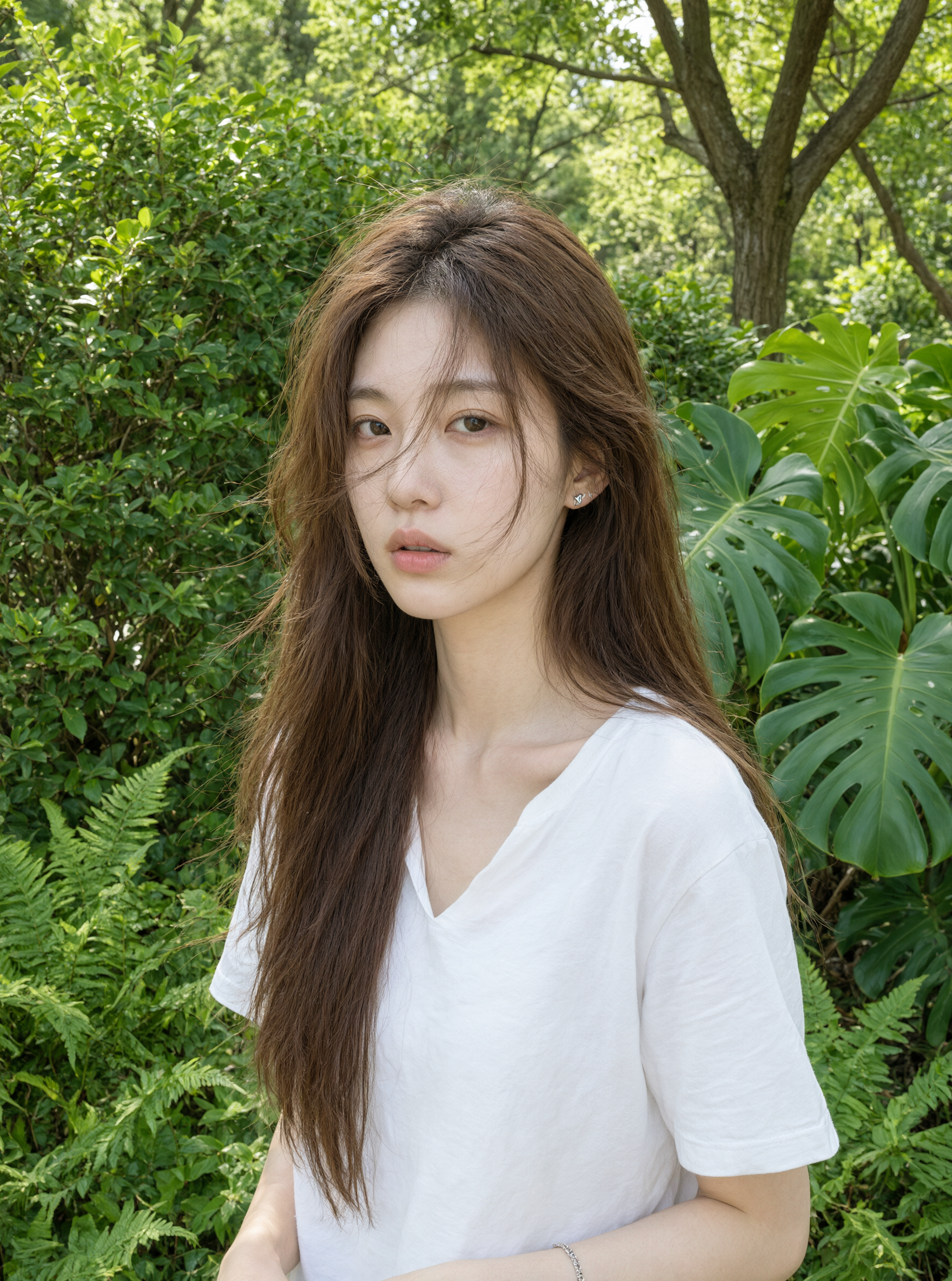
Use the Qwen Image 3.0 AI Image Generator to describe people, products, food, architecture, and natural materials with clear actions, light, perspective, and texture. Inspect faces, hands, edges, shadows, and reflections at full size.

04

Interface concepts

The Qwen Image 3.0 AI Image Generator can explore web, game, livestream, and application screens with believable navigation, panels, tables, and states. Use fictional data and treat the result as a concept rather than production code.

MODEL SELECTION

When should you choose the Qwen Image 3.0 AI Image Generator?

Choose the AI image generator for complexity

Select the Qwen Image 3.0 AI Image Generator when a visual needs many coordinated elements or a longer creative brief. The extra instruction capacity is useful for multi-panel stories, information systems, and layouts where each region has a distinct role.

Choose the AI image generator for fine detail

Use the Qwen Image 3.0 AI Image Generator when small typography, natural skin, hair, fabric, glass, food, or material texture matters. Its published fine-detail targets are a reason to test it, not a reason to skip close review.

Choose the AI image generator for visual knowledge

The Qwen Image 3.0 AI Image Generator is the featured choice for multilingual designs, recognizable interface patterns, varied artistic media, and subjects that benefit from broader world knowledge. Verify specialist or time-sensitive information separately.

PROMPT EXAMPLE

A practical Qwen Image 3.0 AI Image Generator starting prompt.

Copy the structure, then replace the goal, subject, content, layout, and constraints with details from your own project.

PROMPT

Create a 16:9 museum exhibition guide titled “The Hidden Life of a River.” Arrange the page into five connected sections: source, wetlands, city, estuary, and conservation. Combine realistic documentary photography with labeled cutaway illustrations, a small species chart, and one visitor route. Use a calm blue, reed green, and warm paper palette. Keep every label readable and use only the supplied facts. Do not add logos, ticket prices, or invented statistics.

BEFORE YOU PUBLISH

Review every Qwen Image 3.0 AI Image Generator result.

01

Confirm that every requested section appears and follows the intended reading order.

02

Read every headline, label, number, formula, and multilingual phrase character by character.

03

Inspect people, materials, perspective, shadows, reflections, and repeated patterns at full size.

04

Verify facts and permissions before using a Qwen Image 3.0 AI Image Generator result publicly or commercially.

Model capabilities and availability can vary by region, platform, endpoint, snapshot, and API version. Verify current provider documentation before production use.

MODEL COMPARISON

Choose the Qwen Image model for the work.

Qwen Image 3.0 expands the series toward longer instructions, denser layouts, multilingual text, and knowledge-rich production.

CapabilityQwen Image 3.0 LatestQwen Image 2.0Qwen Image 2.0 Pro
Best forFast everyday creationPremium fidelity
Instruction lengthUp to 1K tokensProvider documentation varies
Text and layoutProfessional typographyStronger text rendering
KnowledgeStrong semantic adherenceStronger semantic adherence
Generation and editingUnified modelUnified API model
Output optionsLive 1K and 2K controlsLive 1K and 2K controls; up to 6 images

Capabilities and availability can vary by region, platform, model snapshot, and API version. Verify current provider documentation before production use.

FAQ

Qwen Image 3.0 AI Image Generator FAQ

Answers about Qwen Image 3.0 AI Image Generator capabilities, editing, availability, comparisons, and responsible use.

What is the Qwen Image 3.0 AI Image Generator best for?

Qwen Image 3.0 AI Image Generator is best suited to complex, useful, knowledge-rich images. Its strengths on this page are summarized from official Qwen and Alibaba Cloud model information.

Does Qwen Image 3.0 support image editing?

The official Qwen Image 3.0 release showcases generation and editing, so the Qwen Image 3.0 AI Image Generator is designed for both workflows. Live editing on this independent website will be connected later.

How does Qwen Image 3.0 compare with the other versions?

The Qwen Image 3.0 AI Image Generator emphasizes longer instructions, richer layouts, very small text, multilingual rendering, authentic details, and deep knowledge.

Is the generator live on QwenImage3.app?

The official Qwen Image 3.0 API is not available yet, so its generator remains a preview. You can use the live Qwen Image 2.0 and Qwen Image 2.0 Pro interfaces today.

Can I use generated images commercially?

Commercial use depends on the current provider terms, access method, account, input rights, output content, and applicable law. Review the terms that apply at the time of generation and obtain professional advice for sensitive or high-value work.

How do I use the Qwen Image 3.0 AI Image Generator on this website?

Sign in, open the Qwen Image 3.0 preview interface, describe the image you need, choose your settings, and generate. The official Qwen Image 3.0 API is not available yet, so treat outputs as previews and review every result.

What settings can I control for Qwen Image 3.0?

The generator panel shows the settings available for your account, including aspect ratio, output size, and output count where the connected service supports them. Options can vary by model version, plan, and current provider availability.

What are the main limits of Qwen Image 3.0?

The Qwen Image 3.0 preview depends on published capability summaries because its official API is not available yet. Text, anatomy, facts, and brand details still need human review in every output.

Can I download images created with Qwen Image 3.0?

Yes. Generated results open in a new browser tab so you can download them, and your recent creations stay connected to your account for later review.

Is Qwen Image 3.0 free to try?

The Qwen Image 3.0 interface is free to preview until its official API is available. Live Qwen Image 2.0 and 2.0 Pro generation uses account credits; check the pricing page for current free credits.

KEEP LEARNING

Build a clearer prompt before you generate.

Open the prompt guide
YOUR NEXT IMAGE

Start with the model built for the real.

Explore the Qwen Image 3.0 interface today. Image generation will be connected in a later product release.

Try Qwen Image Free