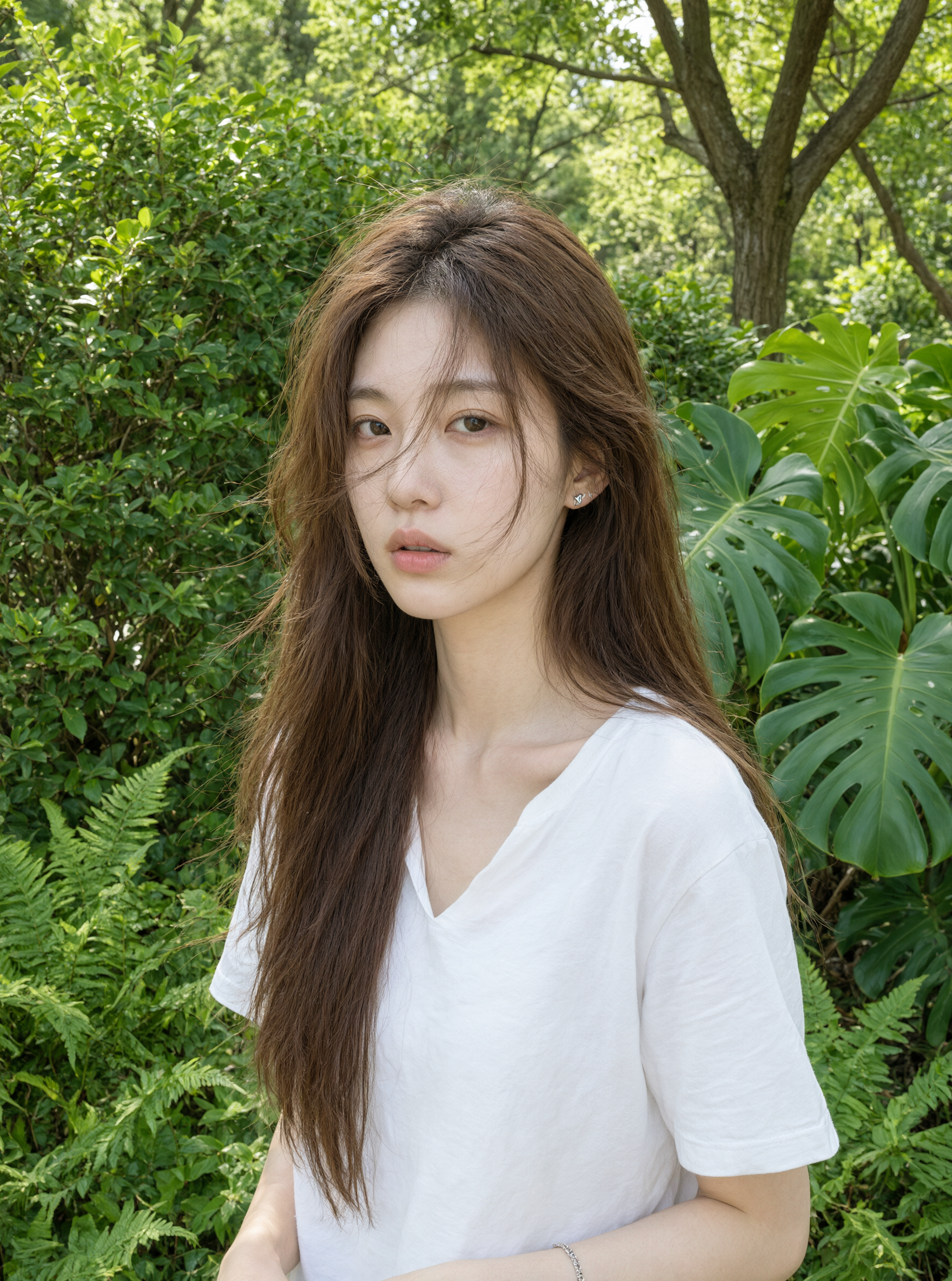
Professional typography
Create posters, slides, menus, invitations, and multilingual campaign layouts. Quote final text, keep the hierarchy simple, and check spelling before export.
A unified generation-and-editing model built for professional typography, native 2K output, and faster everyday creation.
Qwen Image 2.0 is selected. Your result will appear here.

Swipe up or down, scroll, use the arrow keys, or tap the controls to explore every example.
Qwen Image 2.0 is a unified image generation and editing model described in current Alibaba Cloud Model Studio documentation. It is positioned as a practical option for everyday visual creation where speed, native high resolution, typography, and natural-language editing need to work together. The published service documentation lists text-to-image and editing support, multiple outputs, and resolution up to 2048 by 2048, although exact controls can vary by endpoint and model snapshot.
Compared with Qwen Image 3.0, Qwen Image 2.0 is the balanced choice for a shorter brief and a more direct production task. It can suit social graphics, product scenes, posters, presentation visuals, and targeted edits without requiring the information density that defines Qwen Image 3.0. Check the current provider page before integration because availability, cost, request fields, regional access, and limits may change.
Start with the real communication job, then choose the model and settings that fit it.
Create posters, slides, menus, invitations, and multilingual campaign layouts. Quote final text, keep the hierarchy simple, and check spelling before export.
Develop people, architecture, nature, food, and product visuals with a clear subject, camera view, light source, and material description.
Replace a background, remove an object, adjust lighting, or change text while asking the model to preserve the approved subject and composition.
Generate several directions for an early idea, compare the compositions, and continue with a targeted edit once one version becomes the anchor.
Use Qwen Image 2.0 when the brief is clear and the visual does not require many nested sections. It provides a practical path for routine creative work and fast comparison.
The unified model can support a workflow that begins with a new image and continues with precise changes. Repeat what must be preserved during every edit.
If the brief grows into a long document, multi-panel explainer, small-text layout, or knowledge-heavy interface, compare the result with Qwen Image 3.0 before committing to production.
Copy the structure, then replace the goal, subject, content, layout, and constraints with details from your own project.
“Create a square editorial product photograph of an original reusable tea bottle on a light oak table. Use a matte jade body, cream cap, and small stainless-steel infuser visible through the glass. Add morning window light, a folded linen cloth, and soft natural shadows. Keep the composition simple and leave clean space above the bottle. No logo, packaging, text, hands, or extra products.”
Confirm the selected aspect ratio and maximum output size for the current provider endpoint.
Keep quoted text short and inspect every character in posters, menus, and slides.
During editing, state the target change and repeat the subject, camera, and layout to preserve.
Review output rights, accidental brands, people, facts, anatomy, and image quality before publishing.
Model capabilities and availability can vary by region, platform, endpoint, snapshot, and API version. Verify current provider documentation before production use.
Qwen Image 3.0 expands the series toward longer instructions, denser layouts, multilingual text, and knowledge-rich production.
| Capability | Qwen Image 3.0 Latest | Qwen Image 2.0 | Qwen Image 2.0 Pro |
|---|---|---|---|
| Best for | Complex, useful visuals | Fast everyday creation | Premium fidelity |
| Instruction length | Up to 4.5K tokens | Up to 1K tokens | Provider documentation varies |
| Text and layout | 10px text target; dense layouts | Professional typography | Stronger text rendering |
| Knowledge | Deep knowledge; web-aware workflows | Strong semantic adherence | Stronger semantic adherence |
| Generation and editing | Officially showcased | Unified model | Unified API model |
| Output options | Official API pending | Live 1K and 2K controls | Live 1K and 2K controls; up to 6 images |
Capabilities and availability can vary by region, platform, model snapshot, and API version. Verify current provider documentation before production use.
Answers about Qwen Image 2.0 capabilities, editing, availability, comparisons, and responsible use.
Qwen Image 2.0 is best suited to everyday design and faster iteration. Its strengths on this page are summarized from official Qwen and Alibaba Cloud model information.
Qwen Image 2.0 is listed as supporting both text-to-image generation and image editing in current Alibaba Cloud Model Studio documentation.
Qwen Image 2.0 is the balanced generation-and-editing option. Qwen Image 2.0 Pro adds a premium service tier and multiple controls, while Qwen Image 3.0 focuses on richer, denser content.
Qwen Image 2.0 is live on QwenImage3.app for text-to-image generation and image editing. Sign in, enter a prompt, choose your settings, and generate an image today.
Commercial use depends on the current provider terms, access method, account, input rights, output content, and applicable law. Review the terms that apply at the time of generation and obtain professional advice for sensitive or high-value work.
Sign in, open the Qwen Image 2.0 interface, describe the image you need, choose your settings, and generate. The result opens in a new tab so you can download it, and it appears in your creation history.
The generator panel shows the settings available for your account, including aspect ratio, output size, and output count where the connected service supports them. Options can vary by model version, plan, and current provider availability.
Qwen Image 2.0 limits depend on the current provider endpoint, including resolution, output count, prompt length, and regional availability. Verify the live service documentation before relying on a specific limit.
Yes. Generated results open in a new browser tab so you can download them, and your recent creations stay connected to your account for later review.
New accounts receive free credits for the live Qwen Image tools. Check the pricing page for the current free credit allowance and plan details for Qwen Image 2.0.
Explore the Qwen Image 3.0 interface today. Image generation will be connected in a later product release.
Try Qwen Image Free