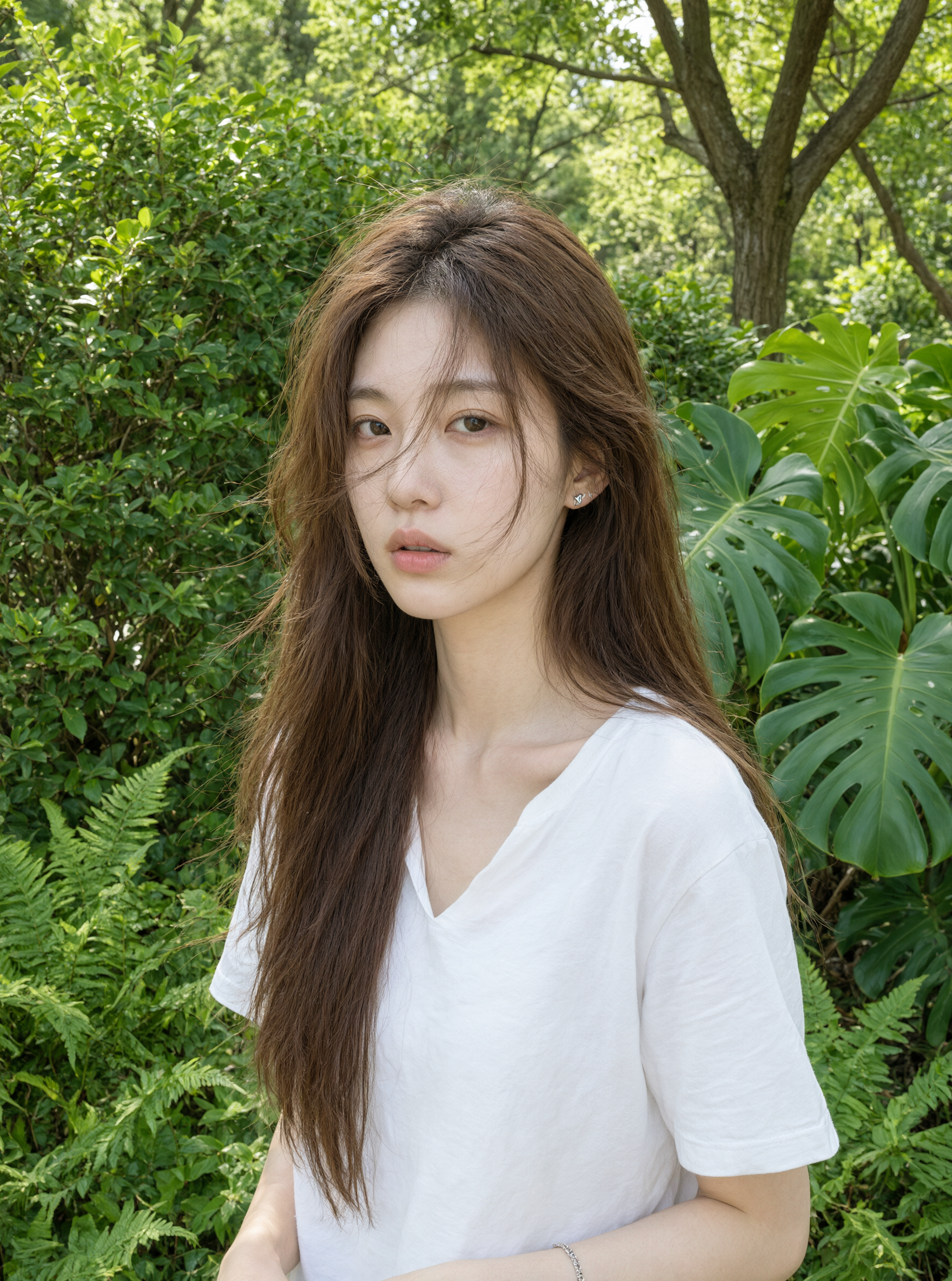
Premium campaign visuals
Explore polished advertising, editorial, and product directions where texture, light, typography, and prompt adherence need careful comparison.
The Pro service tier for image generation and editing, tuned for stronger text rendering, realistic materials, and semantic adherence.
Qwen Image 2.0 Pro is selected. Your result will appear here.

Swipe up or down, scroll, use the arrow keys, or tap the controls to explore every example.
Qwen Image 2.0 Pro is a higher-tier generation and editing model listed in Alibaba Cloud Model Studio documentation. The published model table describes text-to-image and image editing, negative-prompt support, up to six output variants, and resolution up to 2048 by 2048. The Pro option is useful when a team wants stronger fidelity, multiple candidates, and more control within the Qwen Image 2.0 workflow.
Qwen Image 2.0 Pro is not automatically the right choice for every request. Multiple outputs are valuable during art-direction exploration, but they also increase the amount of review. A higher service tier does not remove the need to check copy, facts, faces, hands, materials, source permissions, and brand safety. For very long, information-dense, or multilingual layouts, compare the task with Qwen Image 3.0 and choose the model that better matches the content.
Start with the real communication job, then choose the model and settings that fit it.
Explore polished advertising, editorial, and product directions where texture, light, typography, and prompt adherence need careful comparison.
Request several outputs during concept selection, then choose one anchor and make narrow edits instead of mixing incompatible directions.
Use natural-language changes and relevant negative constraints while preserving the approved person, product, composition, and camera view.
Prepare detailed presentation, social, or design-review images up to the documented size limit, then export for the final channel.
Qwen Image 2.0 Pro can return multiple options in supported API workflows. Use that ability when composition and art direction are still open, and create a clear review checklist before generating.
Use concise positive instructions plus relevant exclusions. Negative prompts should protect the intended visual, not become a long list of unrelated defects.
Choose Qwen Image 2.0 Pro for premium variations and a controlled generation-editing workflow. Choose Qwen Image 3.0 when long prompts, dense content, very small text, or broader knowledge are central.
Copy the structure, then replace the goal, subject, content, layout, and constraints with details from your own project.
“Create four premium horizontal campaign concepts for an original modular desktop speaker. The product has a cobalt aluminum body, cream acoustic fabric, and one lime control dial. Use a dark architectural studio, realistic reflections, and a distinct composition in each image while preserving the product design. Keep clean space for web copy. Exclude logos, labels, people, duplicate controls, distorted edges, and unrelated accessories.”
Compare every variant against the same message, composition, product, and rights checklist.
Verify current API fields, output count, resolution, pricing, and regional availability.
Use negative constraints only when they directly protect the intended subject or layout.
Keep one approved anchor and make controlled edits rather than restarting after every small issue.
Model capabilities and availability can vary by region, platform, endpoint, snapshot, and API version. Verify current provider documentation before production use.
Qwen Image 3.0 expands the series toward longer instructions, denser layouts, multilingual text, and knowledge-rich production.
| Capability | Qwen Image 3.0 Latest | Qwen Image 2.0 | Qwen Image 2.0 Pro |
|---|---|---|---|
| Best for | Complex, useful visuals | Fast everyday creation | Premium fidelity |
| Instruction length | Up to 4.5K tokens | Up to 1K tokens | Provider documentation varies |
| Text and layout | 10px text target; dense layouts | Professional typography | Stronger text rendering |
| Knowledge | Deep knowledge; web-aware workflows | Strong semantic adherence | Stronger semantic adherence |
| Generation and editing | Officially showcased | Unified model | Unified API model |
| Output options | Official API pending | Live 1K and 2K controls | Live 1K and 2K controls; up to 6 images |
Capabilities and availability can vary by region, platform, model snapshot, and API version. Verify current provider documentation before production use.
Answers about Qwen Image 2.0 Pro capabilities, editing, availability, comparisons, and responsible use.
Qwen Image 2.0 Pro is best suited to premium visuals and multiple variants. Its strengths on this page are summarized from official Qwen and Alibaba Cloud model information.
Qwen Image 2.0 Pro is listed as supporting both text-to-image generation and image editing in current Alibaba Cloud Model Studio documentation.
Qwen Image 2.0 Pro focuses on higher-fidelity generation, editing, negative prompts, and multiple variants. Qwen Image 3.0 is the stronger fit for long, knowledge-heavy briefs.
Qwen Image 2.0 Pro is live on QwenImage3.app for text-to-image generation and image editing. Sign in, enter a prompt, choose your settings, and generate an image today.
Commercial use depends on the current provider terms, access method, account, input rights, output content, and applicable law. Review the terms that apply at the time of generation and obtain professional advice for sensitive or high-value work.
Sign in, open the Qwen Image 2.0 Pro interface, describe the image you need, choose your settings, and generate. The result opens in a new tab so you can download it, and it appears in your creation history.
The generator panel shows the settings available for your account, including aspect ratio, output size, and output count where the connected service supports them. Options can vary by model version, plan, and current provider availability.
Qwen Image 2.0 Pro limits depend on the current provider endpoint, including resolution, output count, prompt length, and regional availability. Verify the live service documentation before relying on a specific limit.
Yes. Generated results open in a new browser tab so you can download them, and your recent creations stay connected to your account for later review.
New accounts receive free credits for the live Qwen Image tools. Check the pricing page for the current free credit allowance and plan details for Qwen Image 2.0 Pro.
Explore the Qwen Image 3.0 interface today. Image generation will be connected in a later product release.
Try Qwen Image Free