Qwen Image 2.1: Unified Creation
Qwen Image 2.1 brings image generation, image editing, transparent output, and multi-reference composition into one open model. Explore the official capabilities and examples while integration with QwenImage3.app is coming soon.
Coming soon on QwenImage3.app. Qwen Image 2.1 is not currently connected to this website’s generator. The examples below come from the official release materials.
Qwen Image 2.1 is not available in this studio yet. Choose an available model below.
Sign in to claim free credits.
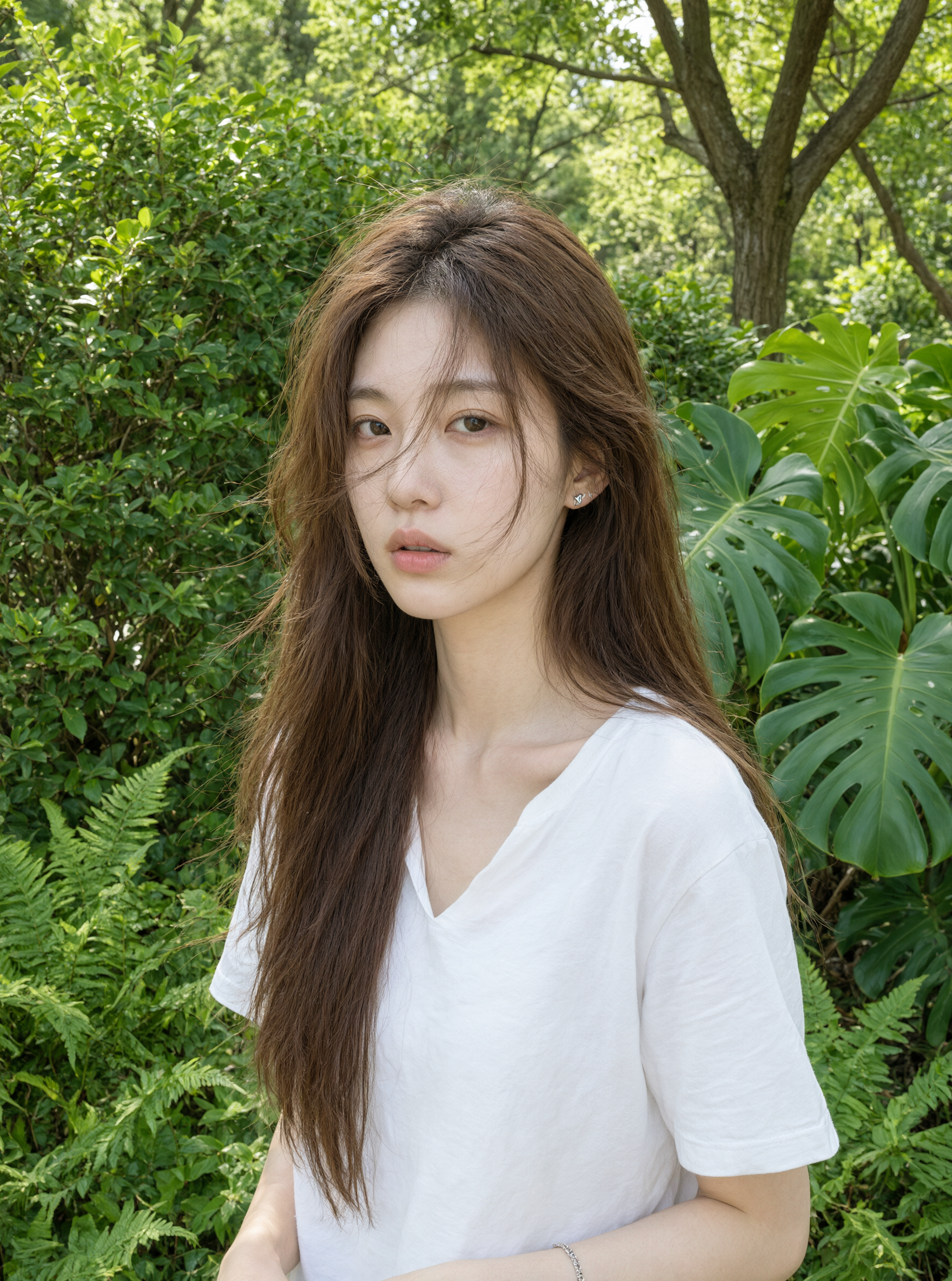
What Makes Qwen Image 2.1 Different?
Qwen Image 2.1 is positioned as a compact, efficient, and unified model rather than a replacement for every Qwen image workflow. The official release emphasizes practical creation and editing, reusable transparent assets, and stronger control from visual references.
Compact and efficient
Qwen Image 2.1 uses a 7B-parameter visual generation component with 32 single-stream DiT layers. The official release focuses on balancing image quality, inference cost, and practical deployment rather than making size the only measure of quality.
Native transparency
Qwen Image 2.1 can generate regular RGB images or transparent RGBA assets. It can also edit an existing transparent layer or extract a requested subject from a photograph, supporting reusable design elements without a baked-in rectangular background.
Unified creation and editing
Qwen Image 2.1 handles text-to-image creation and image-conditioned editing through one model family. A creator can begin from a written brief, refine an existing image, or combine several visual references without changing to a separate specialist model.
Native 2K output
Qwen Image 2.1 officially documents native 2K generation across square, portrait, and landscape ratios. The published recommended square size is 2048 × 2048, while wider and taller formats use dimensions suited to their aspect ratios.
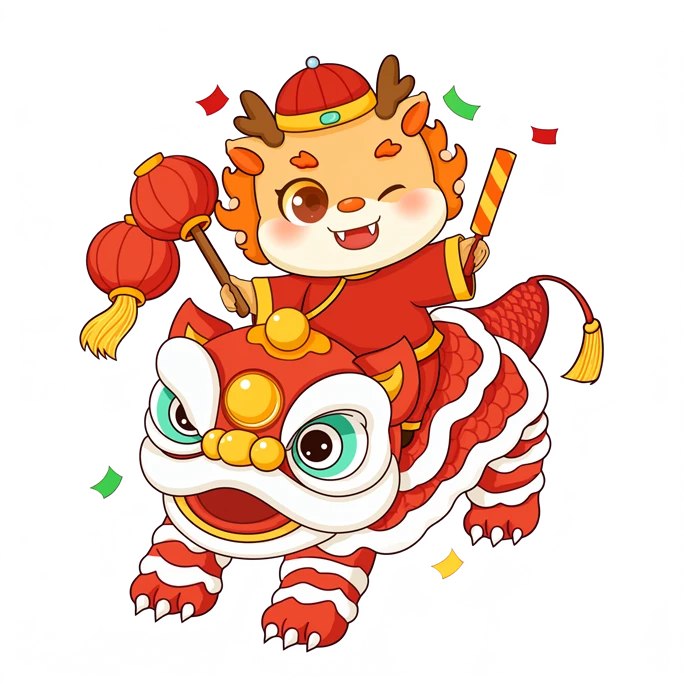
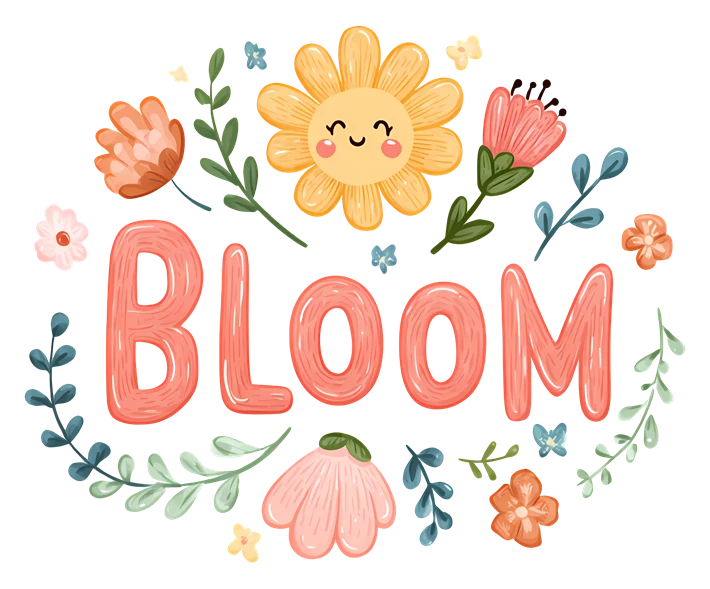
Qwen Image 2.1 Visual Examples
These Qwen Image 2.1 examples retain natural proportions. Marked portraits are AI-adapted illustrations, not unmodified official outputs.
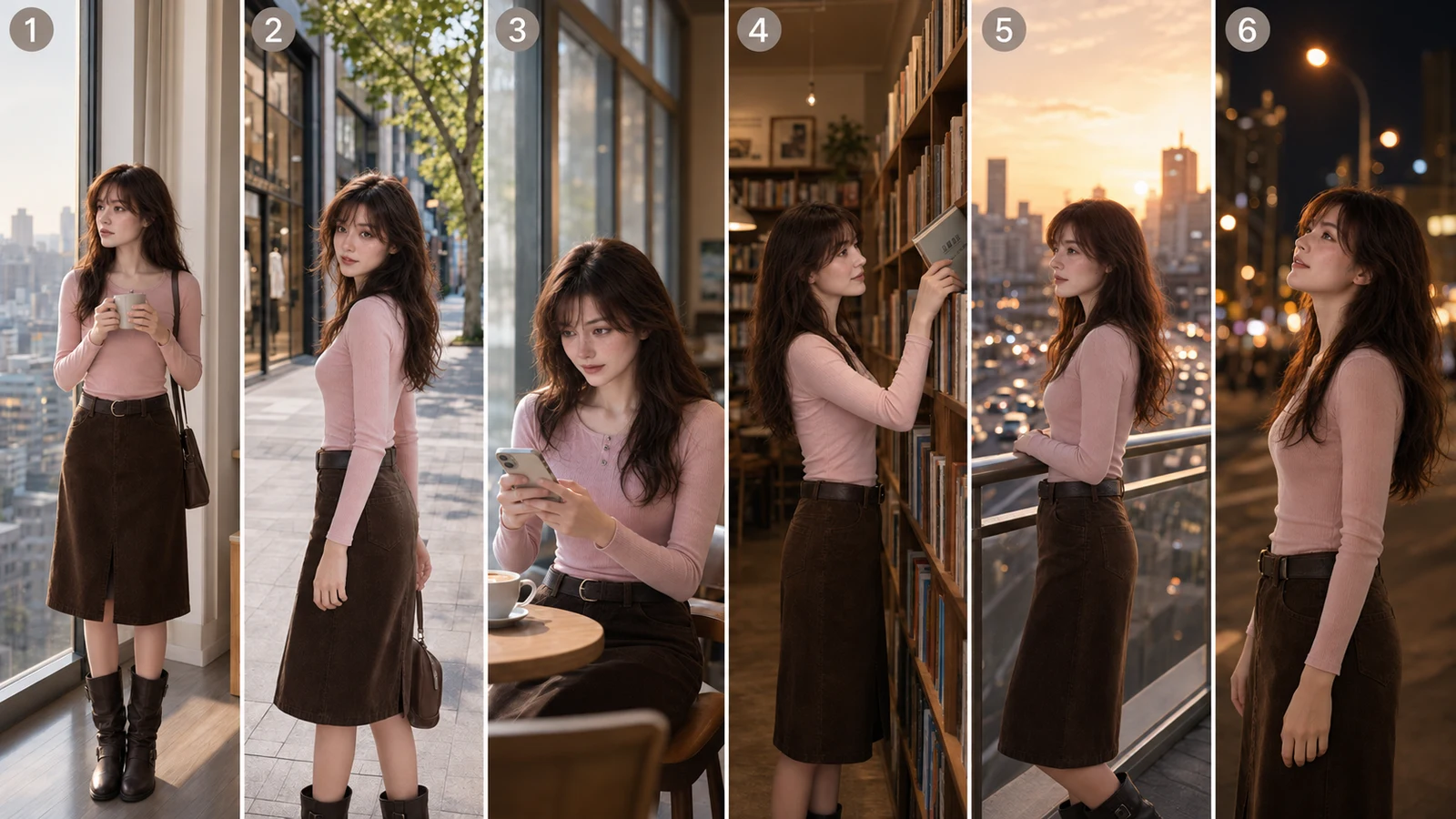
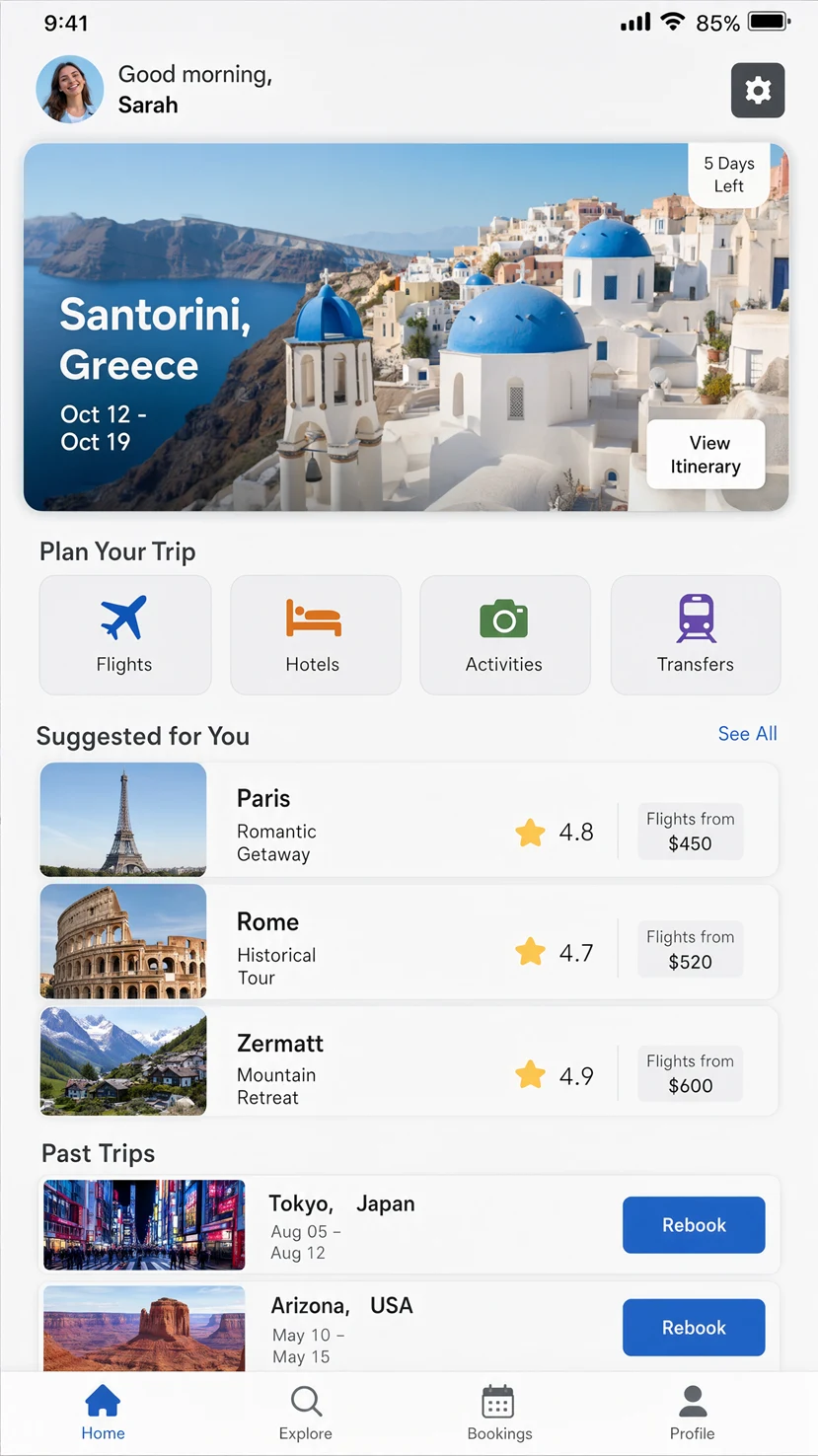
Up to 10 Reference Images
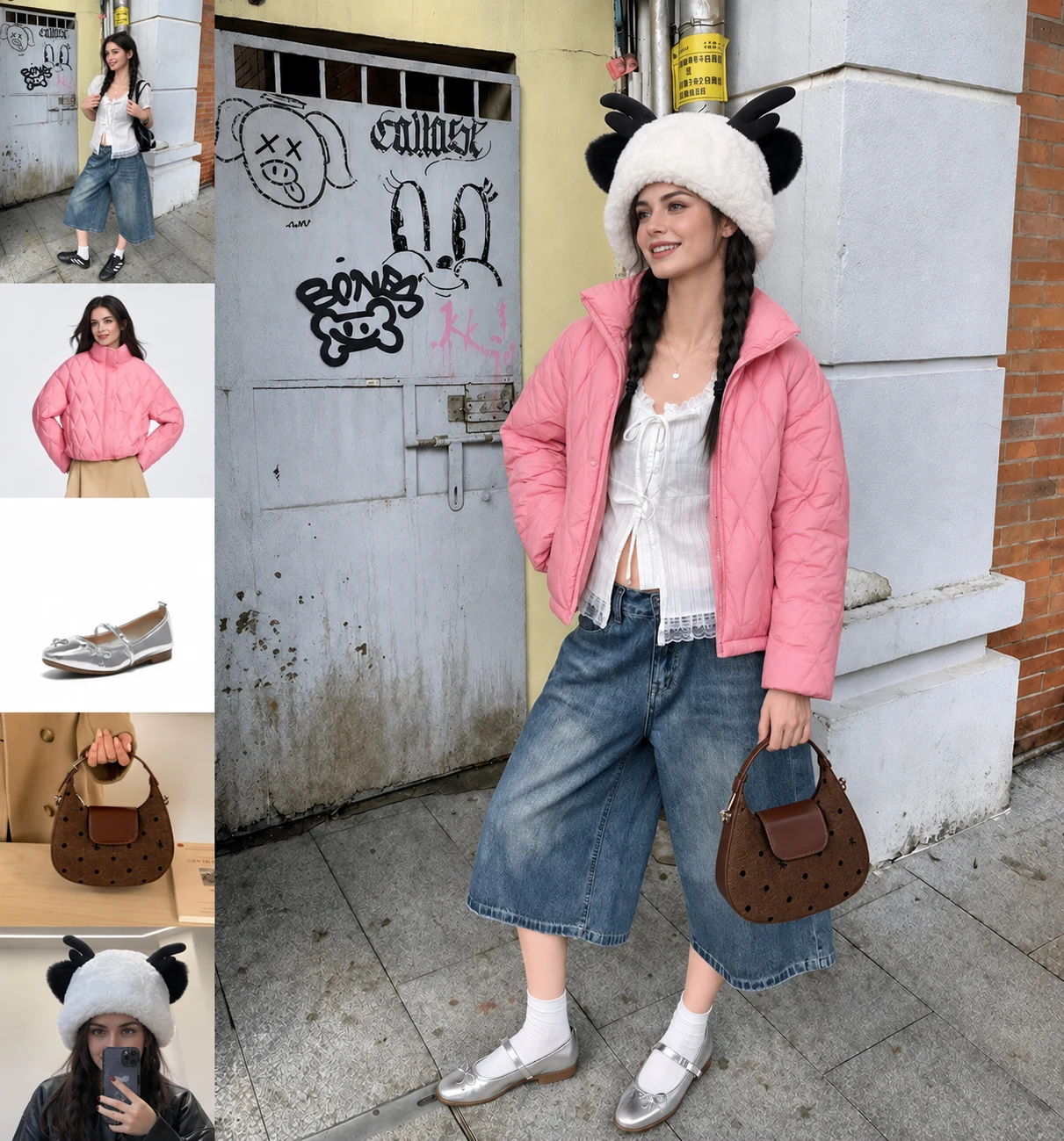
Qwen Image 2.1 expands image-conditioned creation by accepting up to ten references in the official pipeline. Each reference can contribute a person, product, garment, prop, material, or spatial cue to the requested result.
Compose instead of merely copying
Qwen Image 2.1 can bring separate visual inputs into one scene. The release shows six portrait references assembled into a group photo, five fashion references combined into a full outfit, and ten furnishing references arranged as a complete interior.
A good multi-reference instruction should explain the role of each image. Name which reference supplies the person, which supplies the clothing, and which supplies the environment. Qwen Image 2.1 has more context to work with when the relationship between inputs is explicit.
More references are not automatically better. Use only images that contribute necessary information, keep conflicting directions out of the set, and review small identity, product, and typography details in the final result.
Local Editing with Clear Visual Direction
Qwen Image 2.1 supports circles, painted annotations, and separate masks for specifying where a change should happen. This gives creators several ways to communicate a local edit without describing coordinates in words.
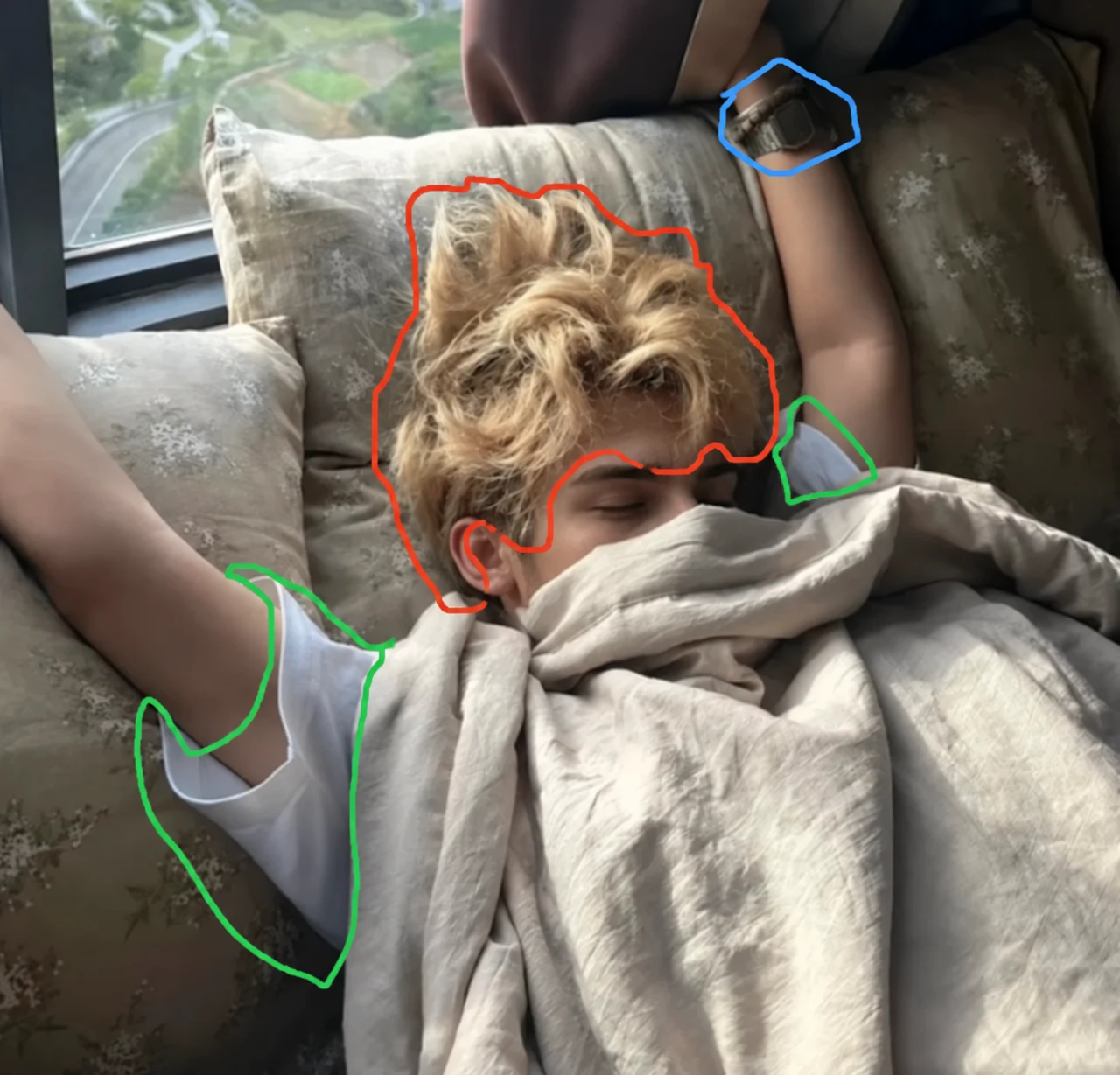
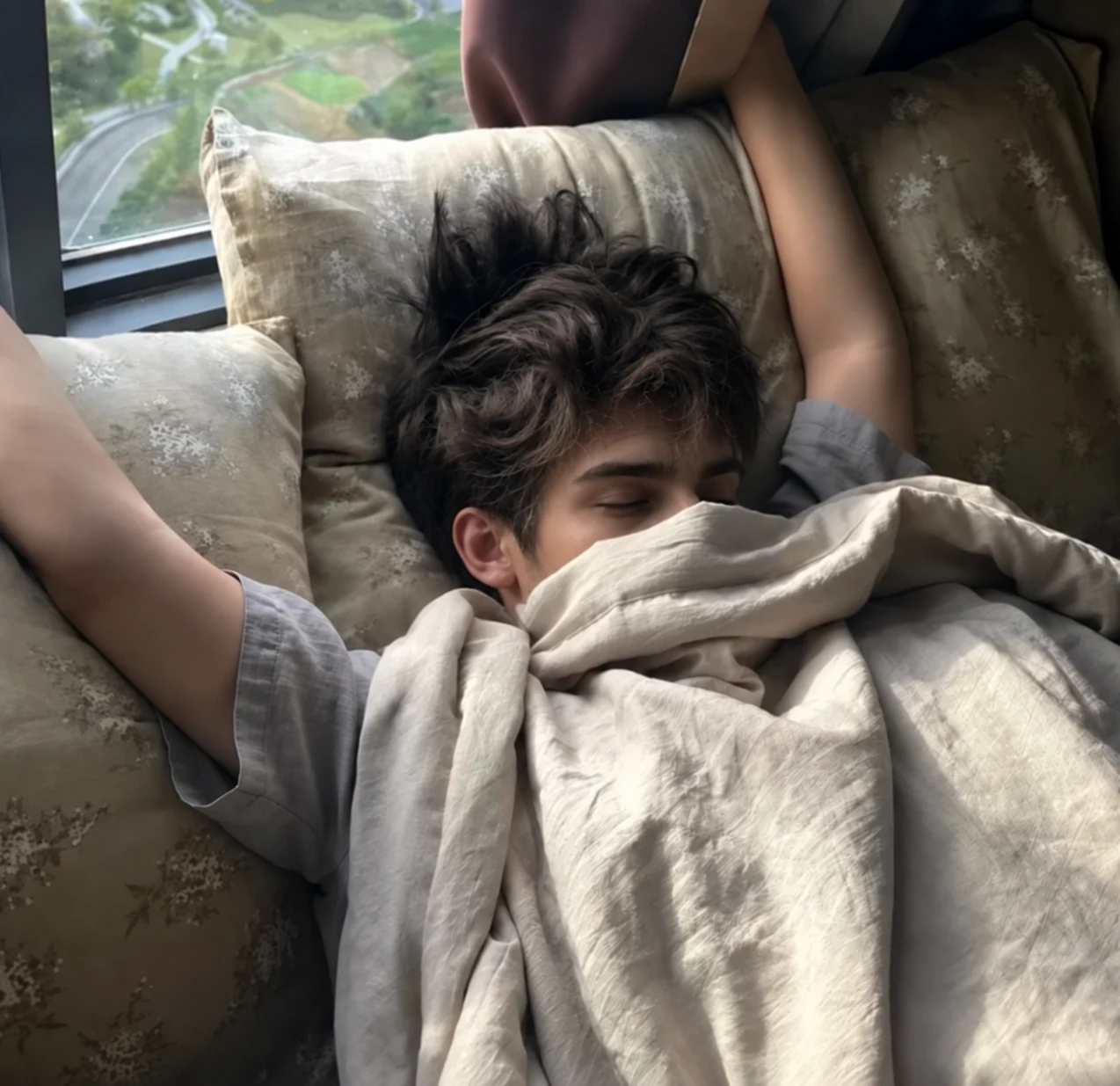
In the official example, different colored circles identify a watch, hair, and clothing. Qwen Image 2.1 receives one instruction connecting each color to a specific action. Painted marks can indicate a broader target area, while a separate mask preserves an unobstructed copy of the original image.
Qwen Image 2.1 is also designed to preserve people and products more reliably during editing. Portrait identity, product shape, printed text, and material texture are all details the release highlights. Preservation is still an objective, not a guarantee, so compare important areas with the source at full size.
For dependable revisions, state what should change and what must stay. A concise edit might specify the target region, new appearance, preserved face, unchanged product label, and untouched background. That structure gives Qwen Image 2.1 a clearer creative boundary.
Where Qwen Image 2.1 Fits
Qwen Image 2.1 covers more than a single showcase style. Its unified workflow is relevant when a project moves between initial creation, reference-led composition, local correction, and reusable asset preparation.
Design assets
Qwen Image 2.1 can create stickers, mascots, decorative typography, isolated products, and transparent elements that are easier to arrange in a layout.
Product concepts
The model can preserve product shape, surface details, and visible copy while exploring new settings, lighting directions, and campaign compositions.
Portrait refinement
The model is designed to improve identity preservation during edits, making it useful for exploring styling, expression, lighting, and environmental changes.
Storyboards
Qwen Image 2.1 can build connected scenes from a recurring character reference, helping creators examine framing, continuity, and visual direction before production.
Infographics
Qwen Image 2.1 improves typography, composition, and task coverage for visual explanations where labels, sections, imagery, and hierarchy must work together.
Panoramas
The model supports broad editing tasks, including panorama creation from visual references, for concepts that need a wider environment or continuous scene.
A Practical Qwen Image 2.1 Workflow
The official release can be used through supported open-model tools. The exact installation, memory requirements, and controls depend on the runtime you choose.
- 1
Choose the task
Decide whether Qwen Image 2.1 should create a new image, edit an existing one, combine references, or return a transparent asset. One clear goal is easier to evaluate than several unrelated goals.
- 2
Prepare the instruction
Use the prompt-writing guide to describe subject, composition, lighting, and preservation requirements. For transparent output, explicitly request an RGBA image with an alpha channel and transparent background.
- 3
Add only useful references
Give each source image a purpose and identify that purpose in the instruction. Qwen Image 2.1 supports up to ten inputs, but a smaller coherent set can provide clearer direction.
- 4
Generate, compare, and inspect
Compare the detailed Qwen Image 2.1 visual guide with your goals. Inspect faces, labels, edges, and typography. Save the seed and settings when your selected tool exposes them.
Qwen Image 2.1 is not yet an option in the QwenImage3.app model selector. To create on this website now, use the clearly named 2.0 or 3.0 model available in the current Qwen Image studio.
Official Qwen Image 2.1 Resources
Use primary Qwen sources for current capabilities, setup instructions, model files, and licensing. Provider availability and third-party interfaces can change after publication.
Qwen Image 2.1 Questions
Quick answers about capabilities, availability, local workflows, and the official release.
Is Qwen Image 2.1 available on QwenImage3.app?
Qwen Image 2.1 is not connected to this website’s generator yet. This page is an independent release guide with official examples and resource links. Use the current studio only for the model named in its selector.
What is new in Qwen Image 2.1?
Qwen Image 2.1 brings native transparent image generation and editing, up to ten reference images, flexible local editing, improved portrait and product preservation, native 2K output, and a compact 7B visual generation component.
Can Qwen Image 2.1 create transparent PNG images?
Yes. Qwen Image 2.1 can generate RGBA images with an alpha channel, edit transparent assets, and extract a selected subject from an ordinary RGB photograph. The official prompt guidance recommends clearly requesting an RGBA image and transparent background.
How many reference images can it use?
Qwen Image 2.1 supports up to ten reference images in the official implementation. The Qwen team demonstrates people, clothing, accessories, and furnishings being combined into coherent results. Available memory and tooling still affect a local workflow.
Does Qwen Image 2.1 support local editing?
Yes. Qwen Image 2.1 can follow circles, painted annotations, or a separate mask to identify the intended edit area. Clear instructions should still state both the requested change and the details that must remain unchanged.
What resolution does Qwen Image 2.1 support?
Qwen Image 2.1 natively supports 2K output. The official repository lists 2048 × 2048 for square images and recommended 2K dimensions for several portrait and landscape ratios. A third-party service may expose a different set of controls.
Where can I download Qwen Image 2.1?
The Qwen Image 2.1 code is available through the official QwenLM GitHub repository, and the model weights are available from the official Qwen organization on Hugging Face and ModelScope. Review the current setup notes before downloading.
Can I use Qwen Image 2.1 commercially?
Check the current Qwen Research License Agreement and any platform terms that apply to your workflow. Open weights do not automatically mean unrestricted use. You are responsible for confirming rights, source permissions, and the suitability of generated material.
Explore Qwen Image 2.1, Then Create with an Available Model
Review the official Qwen Image 2.1 release today. When you are ready to generate on QwenImage3.app, open the studio and choose one of the models currently shown as available.